No jailbreak required
Use more of your Kindle without modifying it.
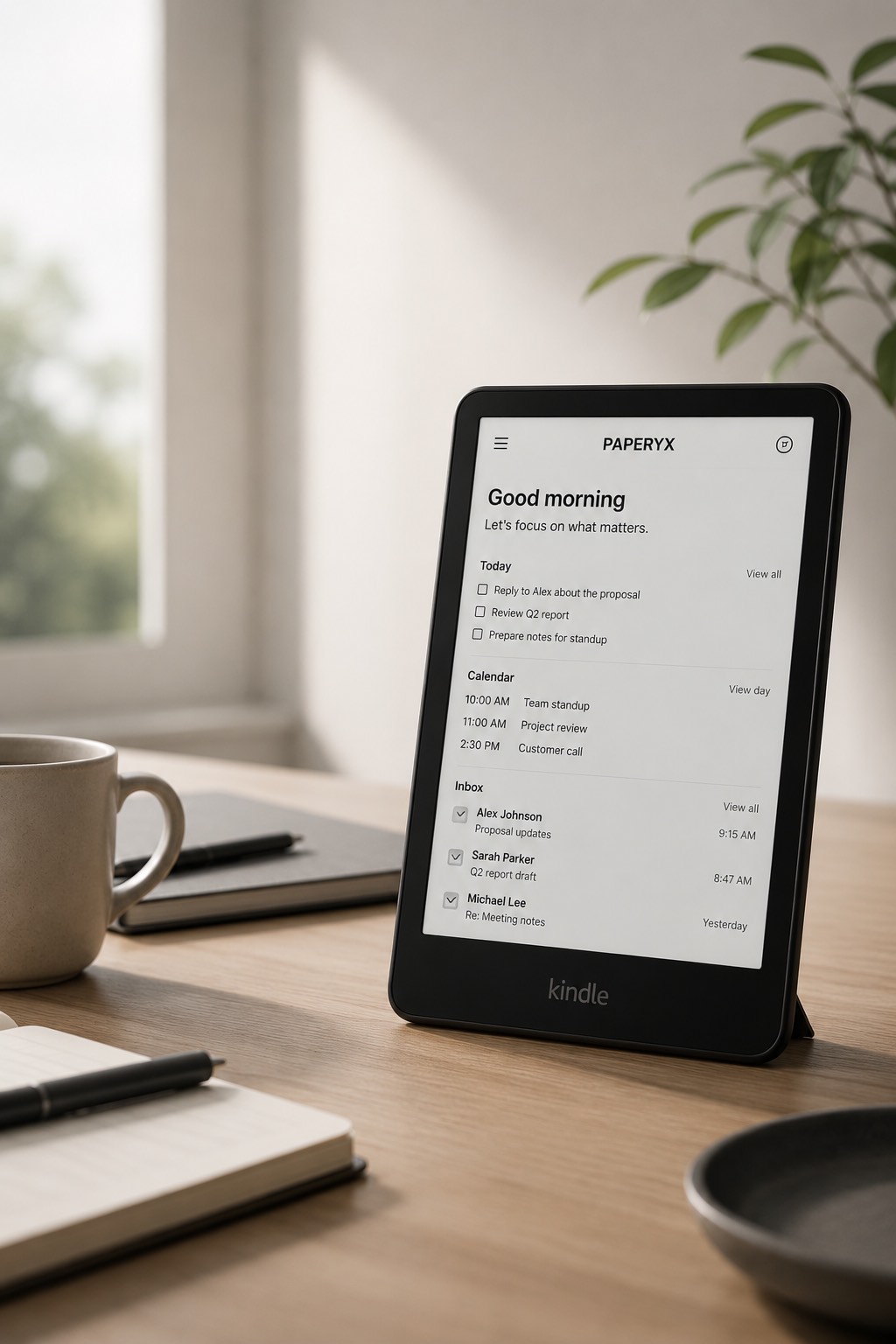
Paperyx runs through the standard Kindle Web Browser. There is nothing to jailbreak, root, sideload, or install into Kindle firmware.
What “no jailbreak” means
- No firmware changes, developer mode, or unsupported system access.
- No app package to sideload onto the Kindle.
- No cable or desktop installer required for the browser experience.
- No change to the normal Kindle reading experience.
How it works
Open the Kindle Web Browser, visit kindle.paperyx.ink, and sign in. Paperyx serves readable HTML pages for mail, calendar, tasks, contacts, files, weather, and simple tools.
Core actions use normal links and forms. The browser loads a new page when you open a message, check an appointment, complete a task, or move to the next result.
What you still need
You need a compatible Kindle with working Wi-Fi, the Kindle Web Browser, and cookies enabled. Cloud features require a supported connected account. Standard Google and Microsoft connections, Apple iCloud, compatible IMAP/SMTP, and CalDAV accounts are supported.
Browser capabilities vary by Kindle model and software version, so review the device compatibility page before subscribing.
Keep your Kindle a Kindle
Paperyx adds browser-based workflows without pretending the Kindle is an Android tablet. You can close the browser and return to reading whenever you are done.