Device compatibility
Built for Kindle, Kobo, and browser-capable tolino screens.
Paperyx uses readable server-rendered pages on Kindle Web Browser devices, current Kobo beta browsers, and documented tolino models with an integrated Web-Browser.
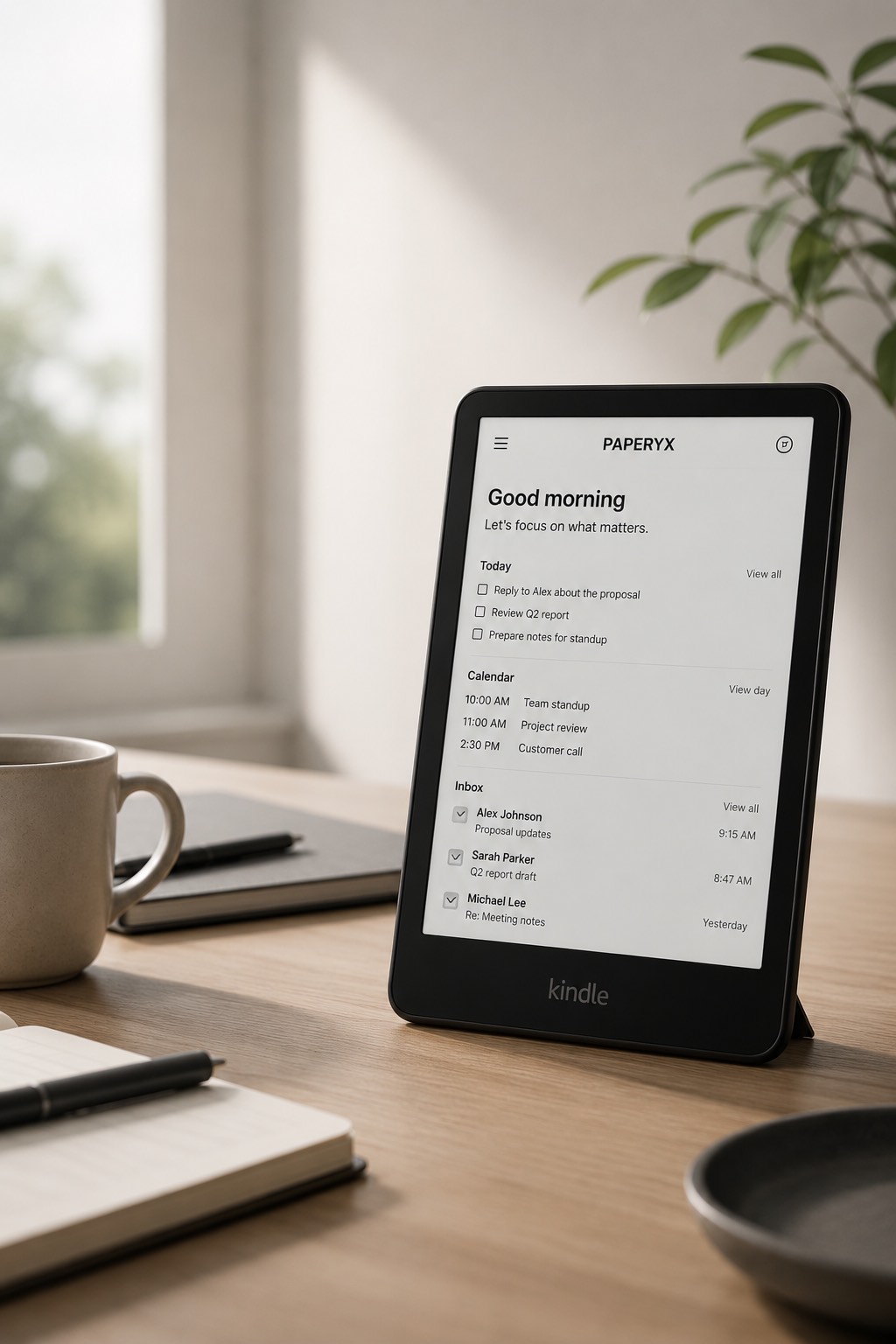
Kindle devices
- Kindle Scribe for a larger black-and-white workspace.
- Kindle Scribe Colorsoft for a larger color workspace.
- Kindle Paperwhite for compact black-and-white reading workflows.
- Kindle Colorsoft for readable pages with subtle color enhancement.
Current Kobo devices with the beta web browser
Documented tolino devices with an integrated Web-Browser
These models are documented rather than physically certified. Test Paperyx sign-in and the workflows you need on your software version.
What Paperyx expects
Paperyx works best where the browser can load standard HTTPS pages, submit forms, keep cookies, and open normal links. Core workflows are server-rendered so they do not depend on heavy client-side JavaScript.
Kobo labels its browser as a beta feature. Test sign-in and important workflows on your model and software version before relying on it.
tolino describes its integrated browser as best suited to text-heavy pages and warns that many general websites are not adapted to its e-ink display.
Other browsers
Modern desktop and phone browsers remain useful for account setup, billing, and fallback access. Other e-ink platforms are not yet part of the documented browser list.