A new purpose for Kindle
The Kindle you already own can have a second job.
Keep it as a reading device—and use Paperyx when you want a quiet screen for planning, checking, and reviewing the day.
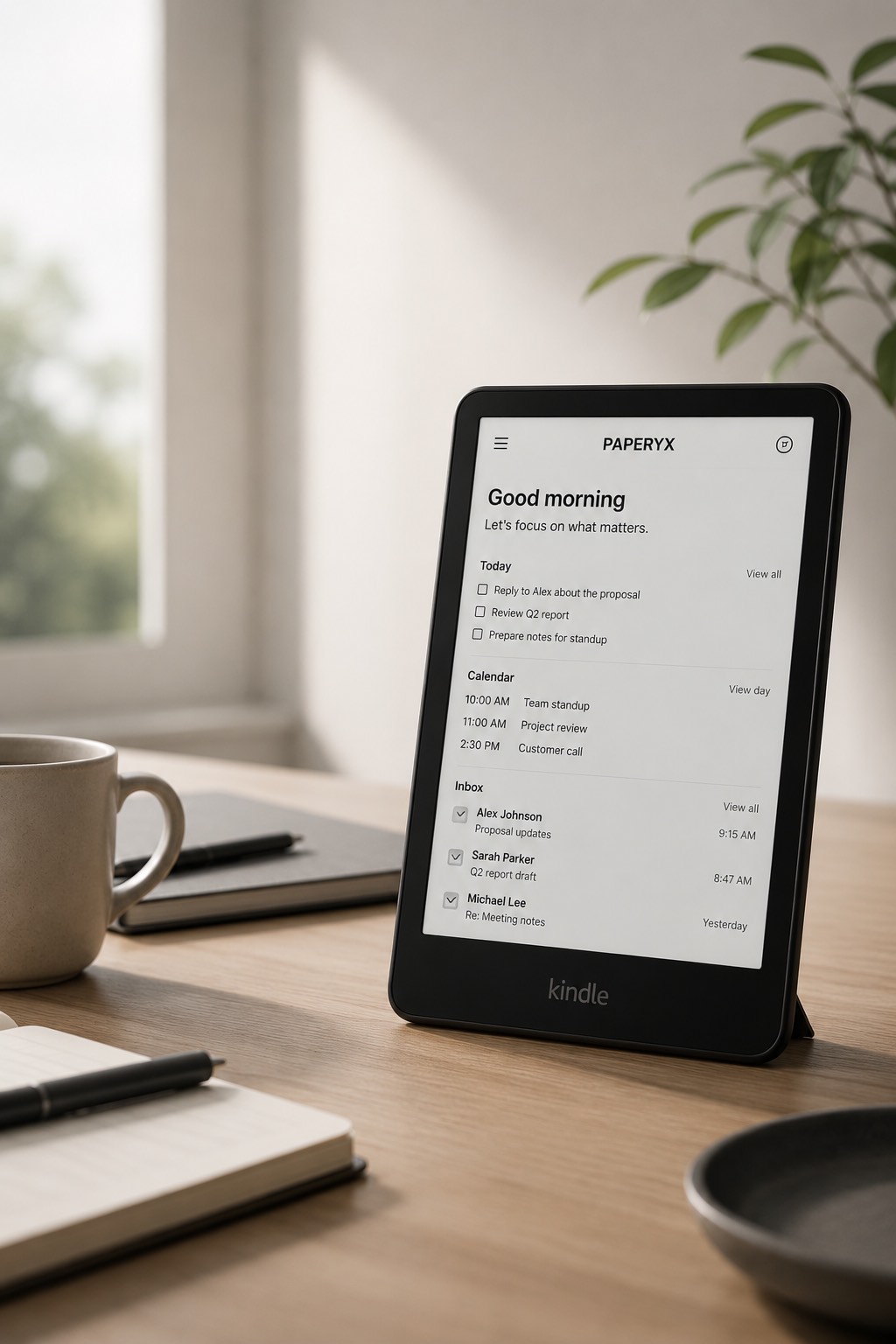
A useful place between phone and paper
Paper is calm but cannot open today’s calendar. A phone has the information but brings alerts, feeds, and temptations with it. A compatible Kindle with Paperyx offers a middle ground: connected information on a deliberate e-ink screen.
Choose a new daily role
Morning desk
Open the dashboard for tasks, appointments, inbox highlights, and optional weather before starting work.
Reading inbox
Use the larger, quieter page to read messages that deserve attention and write short replies.
Reference screen
Keep calendars, cloud files, contacts, saved links, and simple tools available without using a primary device.
Reuse before you add another screen
If your current Kindle model handles the required browser features, Paperyx can give it new utility without adding another dedicated device to your desk.
Not every older Kindle browser will behave the same way. Confirm support first, and keep expectations focused on readable, text-forward workflows.
Start with one small routine
Try checking the day from Kindle each morning for a week. A useful second purpose is built from a repeated habit, not from turning the device into something it was never designed to be.