A more personal first start
Set up Paperyx for your language, screen, and home time.
The first-run flow now handles the essentials before account connections, with short pages designed for e-ink screens and on-screen keyboards.
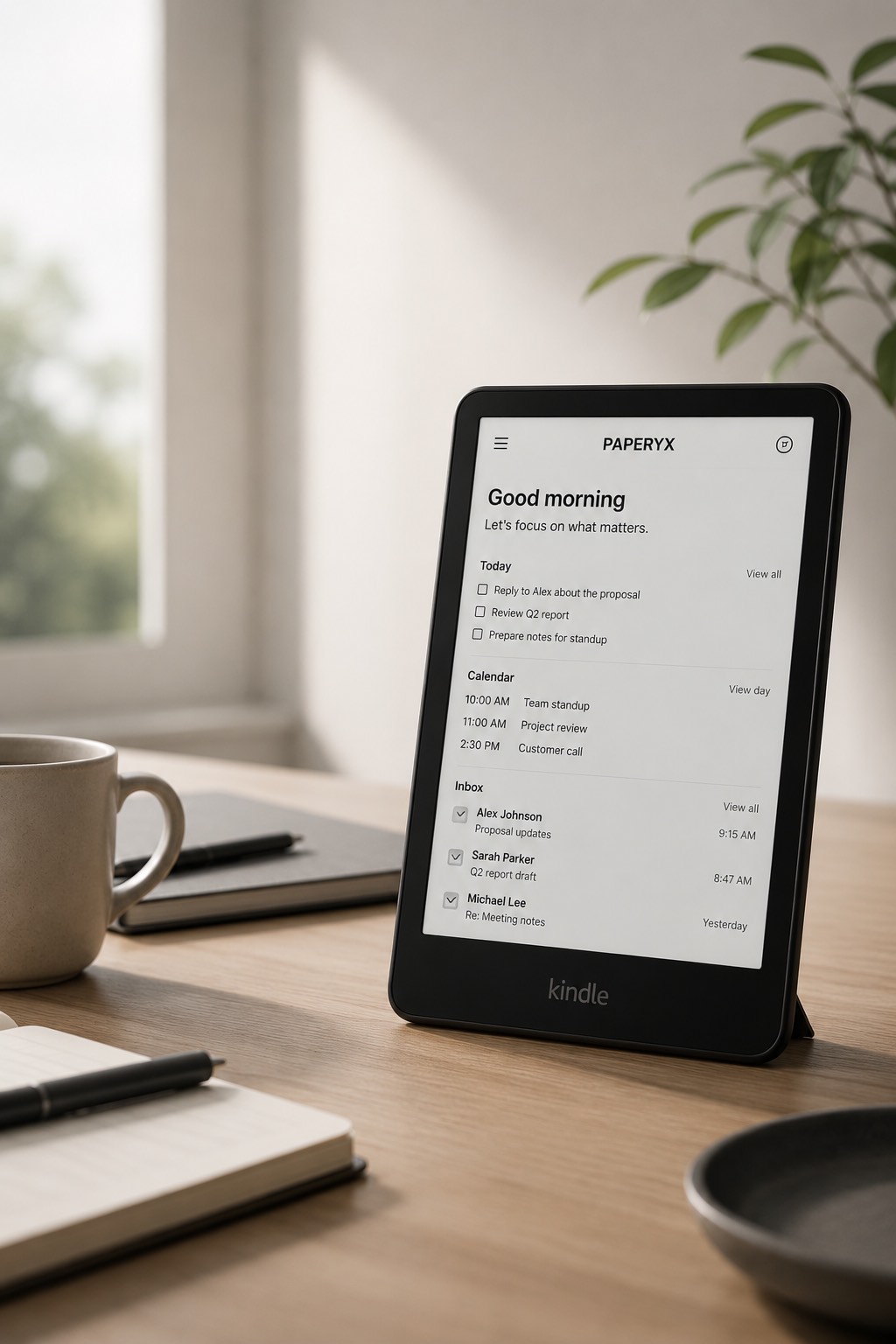
Choose language first
Select English, German, Japanese, Spanish, or Hindi before the welcome pages. Paperyx applies the language immediately on Kindle and the web.
Match the e-ink display
Choose Traditional E-Ink for black-and-white styling or Color E-Ink for subtle color enhancement. Controls and meaning remain readable in grayscale.
Search for a home location worldwide
Search by city, region, or country. Selecting a result sets the default Weather location, account time zone, and first World Clock city together. The step can be skipped and changed later.
Short forms, large controls, no typing marathon.
Kindle setup uses normal pages and forms, works without JavaScript, and keeps the location screen compact when the keyboard covers the lower display.