Photos on your Kindle dashboard
Keep a rotating photo beside the rest of your day.
Add Photo Slideshow to any Paperyx dashboard pane and rotate through the Google Drive photos or OneDrive folder already selected in Photos.
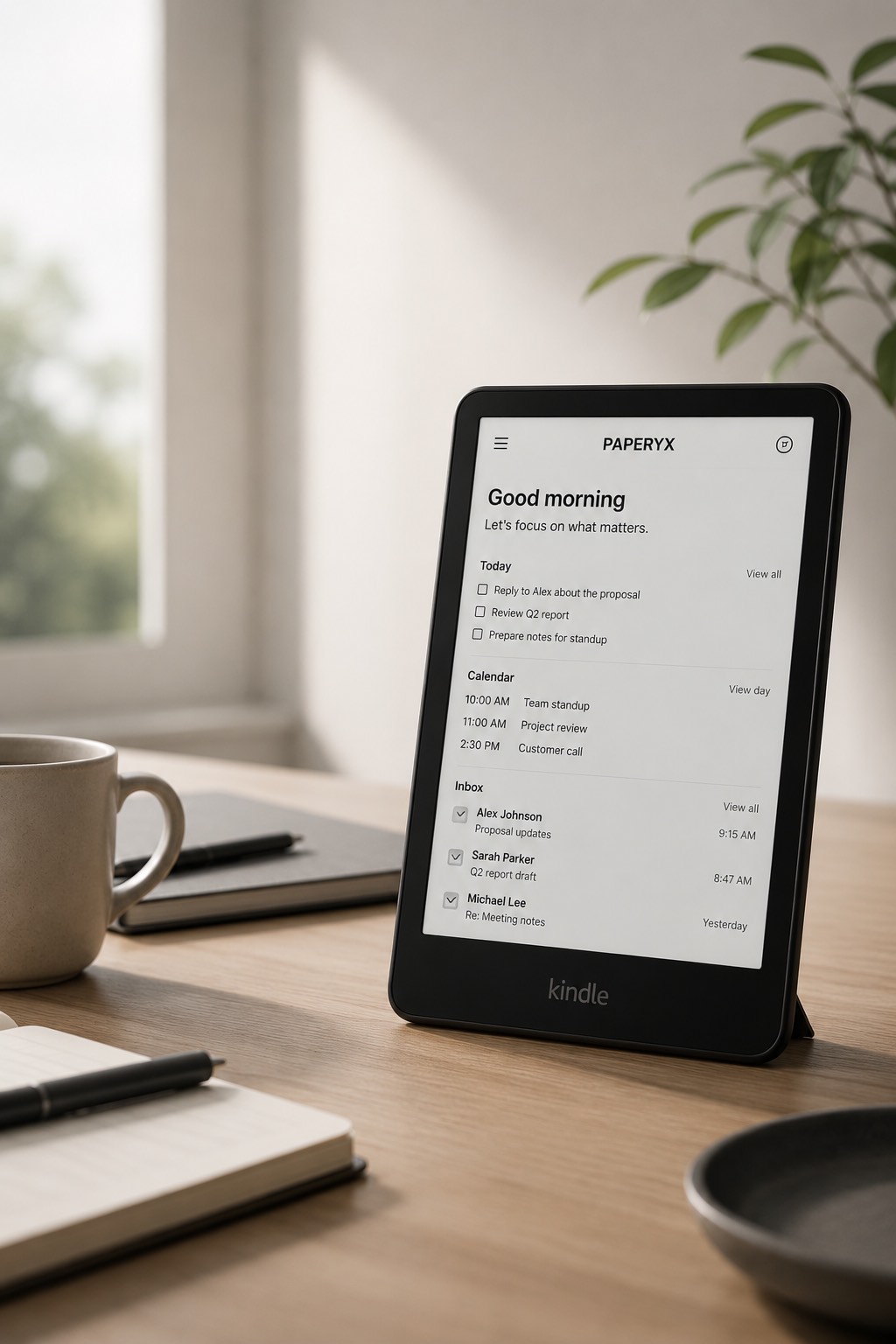
One photo widget for every pane
- Use the widget in one-third, one-half, or full-width panes at every available height.
- Show only the borderless photo, without a widget heading, icon, filename, or position counter.
- Fit the whole image without cropping.
- Follow the saved name, newest-date, or stable random photo order.
- Begin at a randomly selected photo each time you enter the dashboard.
- Rotate at the Photos interval using ordinary server-rendered dashboard refreshes.
- Tap the image to open that exact photo in the full viewer.
- Load an optimized, privately cached image sized for the pane and Kindle display.
How rotation works on e-ink
Paperyx does not run a JavaScript slideshow inside the pane. When timed rotation is enabled, the dashboard uses the shorter of its dashboard refresh interval and the Photos interval. A 30-second Photos interval therefore refreshes the whole dashboard every 30 seconds, including its other widgets.
Each new dashboard entry chooses a random starting photo. Timed refreshes preserve that starting point and continue through the saved order instead of reshuffling the pane. Manual Photos mode keeps the randomly selected photo fixed while the dashboard continues its normal 10, 20, 30, or 60 minute refresh. The widget uses the single folder configured in Photo Slideshow; individual dashboard panes do not select separate albums.
What you need
The widget requires the licensed Paperyx Photo Slideshow app, a connected Google or Microsoft account with Files access, and a saved photo selection. Google users choose exact Drive photos; Microsoft users choose one OneDrive folder.
Ready to add photos?
Set up Photo Slideshow, open the Dashboard designer, choose a pane, and select Photo Slideshow from the widget list.